
YourDream’s homepage describes a searchable gallery and tags for narrowing it. Use the gallery to find a likely match, then read the character’s premise before committing to a longer conversation.
Choose a scene you can evaluate quickly
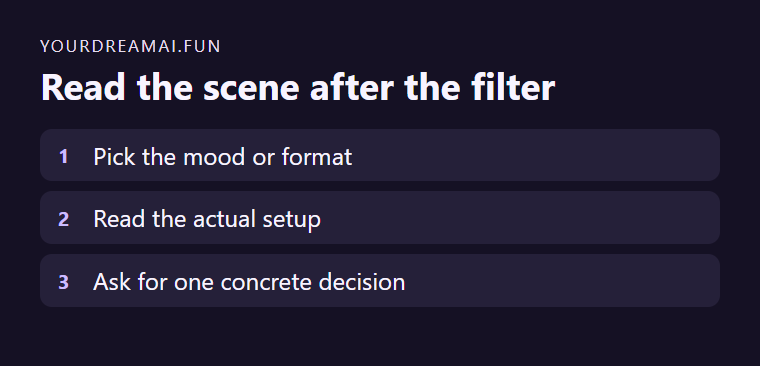
If you want a collaborative fictional adventure, choose an adult character whose description suggests a shared activity. Send one specific next move, such as asking a station guide to pick the safer route to a mountain shelter. Look for a reply that uses the setting and lets you choose the next action. Keep identifying people and places out of the example.
Save what you actually liked
Record the character’s displayed title and the part of the opener that worked. If your preferred tone needs a change, use that observation as input for an original character of your own. A tag narrows the gallery. The first exchange shows whether the story fits your goal.